Digicel Top Up Online: How to Send Credit from Anywhere
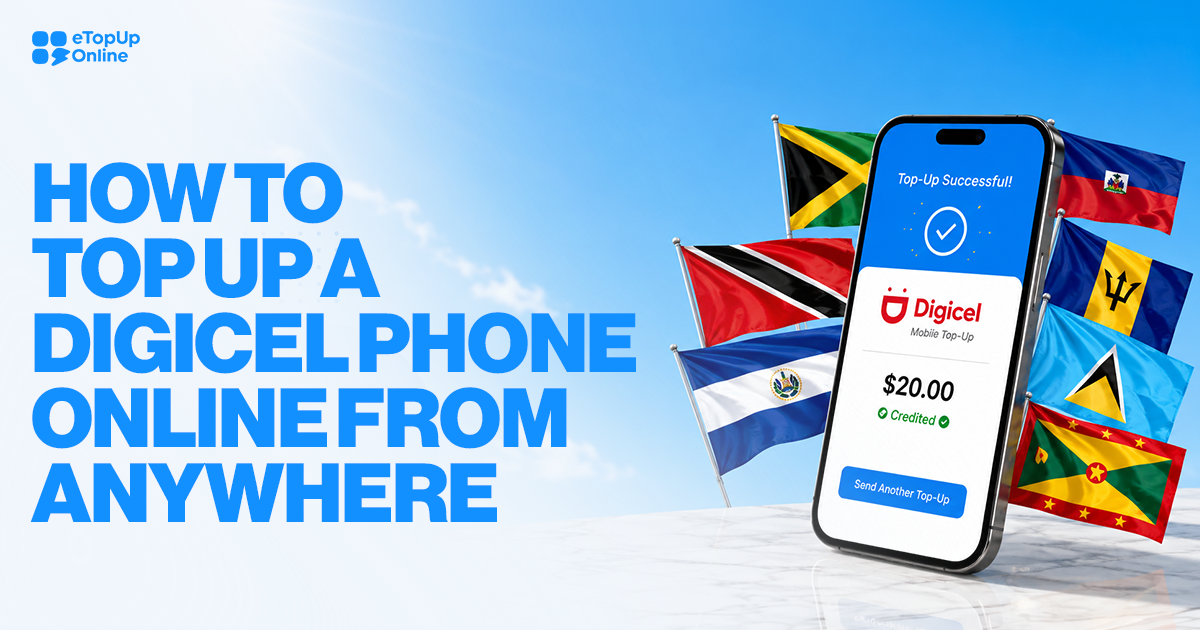
A Digicel top up adds prepaid value to a Digicel mobile number. With eTopUpOnline, you can enter the recipient’s number, choose an available top-up, pay online, and send credit without visiting a local store. You can also top up someone else’s Digicel phone without creating an eTopUpOnline account.
If you live abroad and need to add credit to a Digicel phone for a family member or friend, you can handle the process online.
The important part is simple: choose the right country and carrier, then check the phone number carefully before you pay.
What is a Digicel top-up?
A Digicel top-up adds prepaid value to a Digicel mobile number. You may also see people call this a Digicel recharge, Digicel online top up, or simply adding credit.
The wording changes, but the basic idea is the same. You pay for a top-up that is sent to the mobile number you enter.
The available top-up options can vary by country and product. Minimum and maximum top-up amounts also depend on the product shown when you order.
This is especially important when you are sending credit to someone else. Don't assume that an option you have seen for one Digicel market will also be available for another.
How do you send a Digicel top up online?
A Digicel top up online starts by choosing the recipient’s country and entering the Digicel mobile number you want to recharge. You then choose from the available top-up options, review the details, and pay online.
Here is the process:
Choose the recipient’s country. Start from the eTopUpOnline country list and select the country where the phone is registered.
Choose Digicel. Make sure you have selected the correct mobile carrier.
Enter the mobile number. Check every digit before moving forward.
Choose an available top-up. The options and top-up limits depend on the product available for that destination.
Review the order. Check the country, carrier, phone number, product, and total before paying.
Choose your payment method. eTopUpOnline accepts Visa, Mastercard, American Express, Discover, and PayPal.
Complete your payment. You do not need to create an eTopUpOnline account to buy a top-up.
Check your confirmation. If a top-up fails, eTopUpOnline informs the customer by email.
This process works when you want to top up Digicel for yourself or send credit to another person.
Take an extra few seconds to check the number before payment. eTopUpOnline does not offer refunds for successful top-ups sent to the wrong number.
Is there a Digicel Haiti top-up promotion?
Yes. Digicel Haiti currently has a 5X Credit + 5GB Bonus Data promotion running from July 3 through September 30, 2026.
If the person you are topping up uses Digicel Haiti, check the available Haiti products when placing the order.
How long does a Digicel top-up take to arrive?
eTopUpOnline lists its typical top-up delivery time as instant, although some carrier transactions can take up to five minutes.
A short delay does not always mean the transaction failed. Processing time can vary depending on the carrier.
If a top-up fails, eTopUpOnline informs the customer by email.
If top-up credit is proven not to have been delivered, eTopUpOnline states that refunds take 24–72 hours. Successful top-ups are not refundable.
Before assuming there is a delivery problem, review the order information and make sure the correct phone number and destination were entered.
If you still need help, eTopUpOnline support is available through chat and email 24/7.
Can you top up someone else’s Digicel phone?
Yes. You can use eTopUpOnline to send an available top-up to another person’s phone, and you do not need to create an account to make the purchase.
This can be useful if you are in the United States while the person using the Digicel phone lives elsewhere.
You will need to know the correct destination and mobile number. Then select Digicel and choose from the top-up options shown for that number.
The person receiving the credit does not need to be beside you while you place the order.
Just make sure the number is correct before paying. A successful transaction cannot be refunded simply because the wrong phone number was entered.
That makes the final review screen important. Read the number digit by digit instead of assuming it is correct.
What payment methods work for a Digicel top up?
eTopUpOnline accepts Visa, Mastercard, American Express, Discover, and PayPal for online top-ups. International cards are not currently accepted.
You do not need an eTopUpOnline account before buying.
The service has no hidden fees: the price shown is the price paid. A service fee does apply, so review the displayed order total before completing the transaction.
Minimum and maximum top-up amounts depend on the product.
For that reason, use the choices displayed for the destination and number you are topping up rather than assuming a particular amount will be available.
If you are searching for a Digicel top up promo code, remember that not every Digicel promotion requires a code. For example, the current Digicel Haiti offer is a 5X Credit + 5GB Bonus Data promotion. It has not been described here as a promo-code offer.
Is Digicel top up online different from buying credit locally?
The main difference is where you make the purchase. A Digicel online top up lets you send credit remotely instead of depending on a physical retailer near the person using the phone.
That matters when you and the recipient are in different countries.
With eTopUpOnline, you choose the destination and carrier, enter the mobile number, select an available top-up, and pay online.
Online top-up is useful when distance is the issue. You can recharge Digicel for someone else without asking that person to travel to a shop or giving them your payment information.
Whichever method you use, check the number before paying. Fixing a typing mistake before checkout is much easier than dealing with credit that was successfully delivered to the wrong phone.
Digicel top up FAQ
Can I send a Digicel top up to someone in another country?
Yes. If Digicel top-up options are available for the recipient’s destination, you can select that country, choose Digicel, enter the mobile number, and pick an available top-up. You do not have to be in the same country as the person receiving the credit.
Do I need an eTopUpOnline account to recharge Digicel?
No. eTopUpOnline does not require an account to purchase a top-up. Choose the destination and carrier, enter the mobile number, select an available product, and continue to payment. Check the number carefully before paying because successful top-ups sent to a wrong number cannot be refunded.
How quickly will a Digicel recharge arrive?
eTopUpOnline lists typical top-up delivery as instant, although some carrier transactions can take up to five minutes. If a top-up fails, customera are informed by email. If the credit is proven not to have been delivered, the stated refund timeframe is 24–72 hours.
What cards can I use for a Digicel online top up?
eTopUpOnline accepts Visa, Mastercard, American Express, and Discover. PayPal is also available. International cards are not currently accepted. Review the order total before paying. eTopUpOnline states that there are no hidden fees and that the price shown is the price paid.
What happens if I enter the wrong Digicel number?
Check the number carefully before completing payment. eTopUpOnline does not provide refunds for successful top-ups, including a successful top-up sent to the wrong number. Check the destination, carrier, and every digit of the recipient’s phone number before you submit your payment.
Is there a Digicel Haiti promotion right now?
Yes. Digicel Haiti has a 5X Credit + 5GB Bonus Data promotion running from July 3 through September 30, 2026. The promotion applies to Digicel Haiti, so you should not assume the same offer is available for Digicel numbers registered in other countries.
Ready to send credit? Choose the recipient’s destination from the eTopUpOnline country list, select Digicel, and follow the top-up steps shown for that number.