How to Auto Top-Up: Set Up Automatic Mobile Recharges
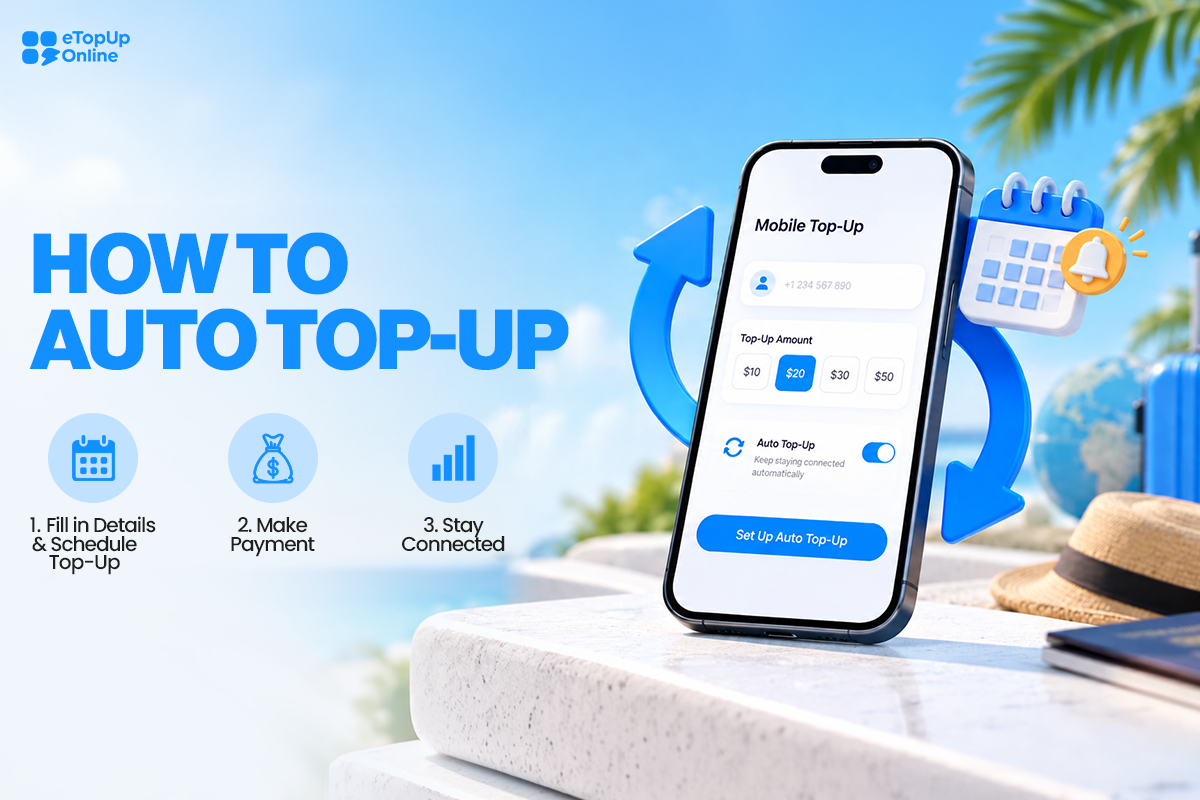
Running out of mobile credit always seems to happen at the wrong time. Maybe you need to make an important call, use mobile data while you're away from Wi-Fi, or make sure a family member abroad can stay connected.
Instead of remembering to send a mobile recharge every week or month, you can use Auto Top-Up to schedule it ahead of time.
With eTopUpOnline, you choose the mobile number, top-up amount, start date, and how often you'd like the recharge to happen. Once it's set up, your scheduled top-ups can take care of the routine for you.
Set up Auto Top-Up: https://www.etopuponline.com/auto-topup
What Is Auto Top-Up?
Auto Top-Up is a way to schedule recurring mobile recharges instead of manually purchasing a new top-up each time.
You choose who you want to top up, how much you want to send, and how often you want the top-up to occur.
On eTopUpOnline, you can schedule an Auto Top-Up:
• Weekly
• Half-monthly
• Monthly
That can be especially helpful if you regularly recharge your own prepaid phone or send mobile credit to the same person.
How to Set Up Auto Top-Up with eTopUpOnline
Setting up an automatic mobile recharge only takes a few steps.
1. Go to the Auto Top-Up page
Visit:
https://www.etopuponline.com/auto-topup
Select New Auto-Topup to begin creating your schedule.
2. Select the country
Choose the country where the mobile number you're topping up is located.
This is important because the available mobile operators and products depend on the destination country.
3. Choose the mobile operator
Select the recipient's mobile network from the available operators.
Make sure you choose the correct operator before continuing.
4. Enter the mobile number
Enter the prepaid mobile number you want to recharge.
Take a moment to double-check the number. Successful mobile top-ups cannot be refunded if they're sent to the wrong number.
5. Select the top-up amount
Choose how much mobile credit you'd like to send with each scheduled recharge.
Available amounts depend on the operator and product you've selected.
6. Choose how often you want to top up
Next, choose your Auto Top-Up frequency.
You can select:
• Weekly
• Half-monthly
• Monthly
Think about how quickly the person typically uses their mobile credit when deciding which schedule makes the most sense.
7. Choose your top-up day and start date
Select when you'd like your automatic top-ups to begin and the day you'd like them processed.
This gives you more control over your schedule instead of simply having a recharge happen at an arbitrary time.
8. Submit your Auto Top-Up
Review the information you've entered, especially the mobile number, operator, amount, and frequency.
When everything looks right, submit your Auto Top-Up.
Why Use Automatic Mobile Top-Ups?
The biggest advantage is simple: you don't have to remember every recharge yourself.
If you regularly top up the same prepaid number, repeating the purchase manually can become another task on your list.
Scheduling your recharge ahead of time can make staying connected easier.
For example, Auto Top-Up may be useful when you're:
• Keeping your own prepaid mobile service active
• Regularly sending airtime to a parent or relative abroad
• Helping a student or child maintain mobile credit
• Topping up the same international number every month
• Trying to avoid unexpectedly running out of prepaid credit
Instead of waiting until someone messages you saying, "I'm out of credit," you can already have the next recharge scheduled.
Auto Top-Up vs. a One-Time Mobile Recharge
A regular mobile top-up is a single purchase. You select the number and amount, complete your payment, and the recharge is sent.
Auto Top-Up is designed for situations where you expect to recharge the same number again.
You set up the schedule once and choose whether you want the recharge to happen weekly, half-monthly, or monthly.
If you're only sending credit once, a regular top-up may make more sense. If you're repeatedly topping up the same number, Auto Top-Up can save you from having to start the process over each time.
You can browse available mobile top-ups here:
https://www.etopuponline.com/shop
Can I Use Auto Top-Up for Someone Else?
Yes. Auto Top-Up can be useful for more than your own prepaid phone.
If you regularly send mobile credit to a family member or loved one, you can set up their eligible mobile number for recurring top-ups.
This can be particularly convenient when you're living in one country while helping someone stay connected somewhere else.
Just make sure you carefully verify the recipient's country, operator, and mobile number before submitting the Auto Top-Up.
How Often Should You Schedule an Auto Top-Up?
There isn't one schedule that's right for everyone.
If the mobile number uses airtime or data quickly, a weekly schedule may be useful. If you're simply helping someone maintain regular prepaid service, a half-monthly or monthly schedule may make more sense.
With eTopUpOnline, you can choose the frequency that fits the way you or your recipient actually uses the phone.
Can You Cancel an Auto Top-Up?
Yes. If you no longer need your recurring top-ups, you can request cancellation of your Auto Top-Up.
This is useful if the recipient changes numbers, switches operators, no longer needs regular recharges, or you simply want to stop the schedule.
A Simple Way to Stay Connected
Mobile credit may seem like a small thing—until you don't have it when you need it.
If you're already topping up the same prepaid phone regularly, setting up Auto Top-Up can make the process easier. Choose the number, amount, frequency, and start date, and you won't have to remember to manually make the same recharge every time.
Whether you're keeping your own prepaid phone active or helping someone you care about stay connected, Auto Top-Up gives you one less thing to remember.
Set up your Auto Top-Up:
https://www.etopuponline.com/auto-topup
Frequently Asked Questions About Auto Top-Up
What is Auto Top-Up?
Auto Top-Up lets you schedule recurring mobile recharges for an eligible prepaid number instead of manually purchasing each top-up.
How do I set up Auto Top-Up on eTopUpOnline?
Go to the eTopUpOnline Auto Top-Up page, select the country and operator, enter the mobile number, choose the amount, select your frequency and top-up day, choose a start date, and submit your Auto Top-Up.
How often can I schedule an Auto Top-Up?
eTopUpOnline currently lets you choose weekly, half-monthly, or monthly Auto Top-Ups.
Can I Auto Top-Up someone else's phone?
Yes. You can set up an Auto Top-Up for another eligible prepaid mobile number, making it useful when you regularly send mobile credit to family or loved ones.
Can I schedule an international mobile top-up?
You can select the destination country and available operator when creating an Auto Top-Up. Availability depends on the country, operator, and product.
Can I choose the date for my automatic top-up?
Yes. When setting up Auto Top-Up, you can select a start date and the top-up day for your recurring recharge.
Can I cancel Auto Top-Up?
Yes. You can request cancellation if you no longer want the scheduled top-ups to continue.
What happens if I enter the wrong mobile number?
Always check the mobile number carefully before submitting your Auto Top-Up. eTopUpOnline does not provide refunds for successfully completed top-ups sent to an incorrect number.
How quickly are eTopUpOnline mobile top-ups delivered?
eTopUpOnline's verified brand information lists its typical top-up delivery time as instant, with some carriers potentially taking up to five minutes.
Do I need an eTopUpOnline account to purchase a mobile top-up?
An account is not required to purchase a standard mobile top-up through eTopUpOnline.